How it works

How Escape Velocity works.

Four steps from sign-up to your first forecast.

Escape Velocity
The guided setup page: four questions on the left, and a plan on the right with a $1,250,000 number and an estimated arrival.

Four steps

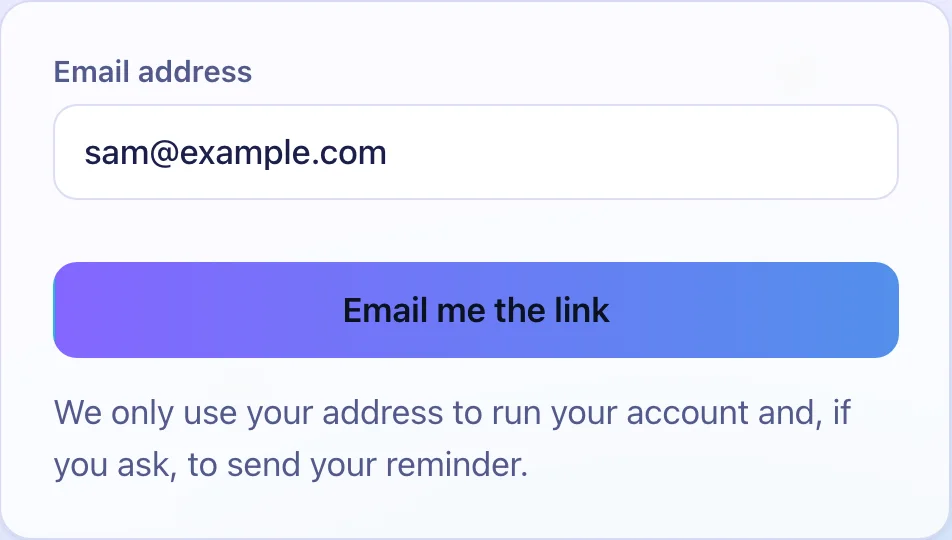
  1. The Create your account form with an email box and an Email me the link button.

    Create your account

    Enter your email address. You log in with the link we email you.
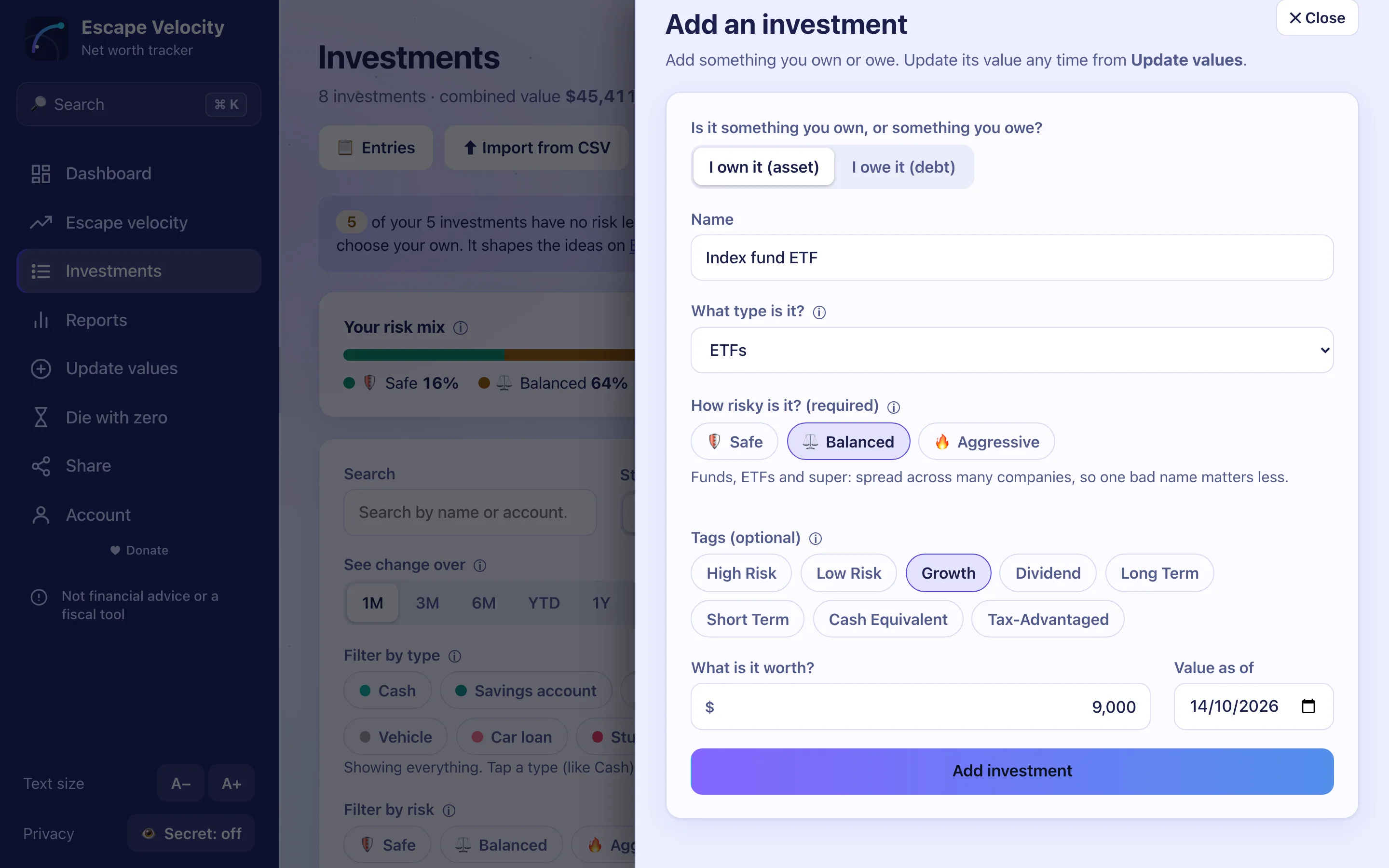
  2. The Add an asset panel: a name, a type, a risk level of Balanced and a value of $9,000.

    Investments and debts go in

    Type each one in or import a CSV. The rest of the app opens once your first investment is in.
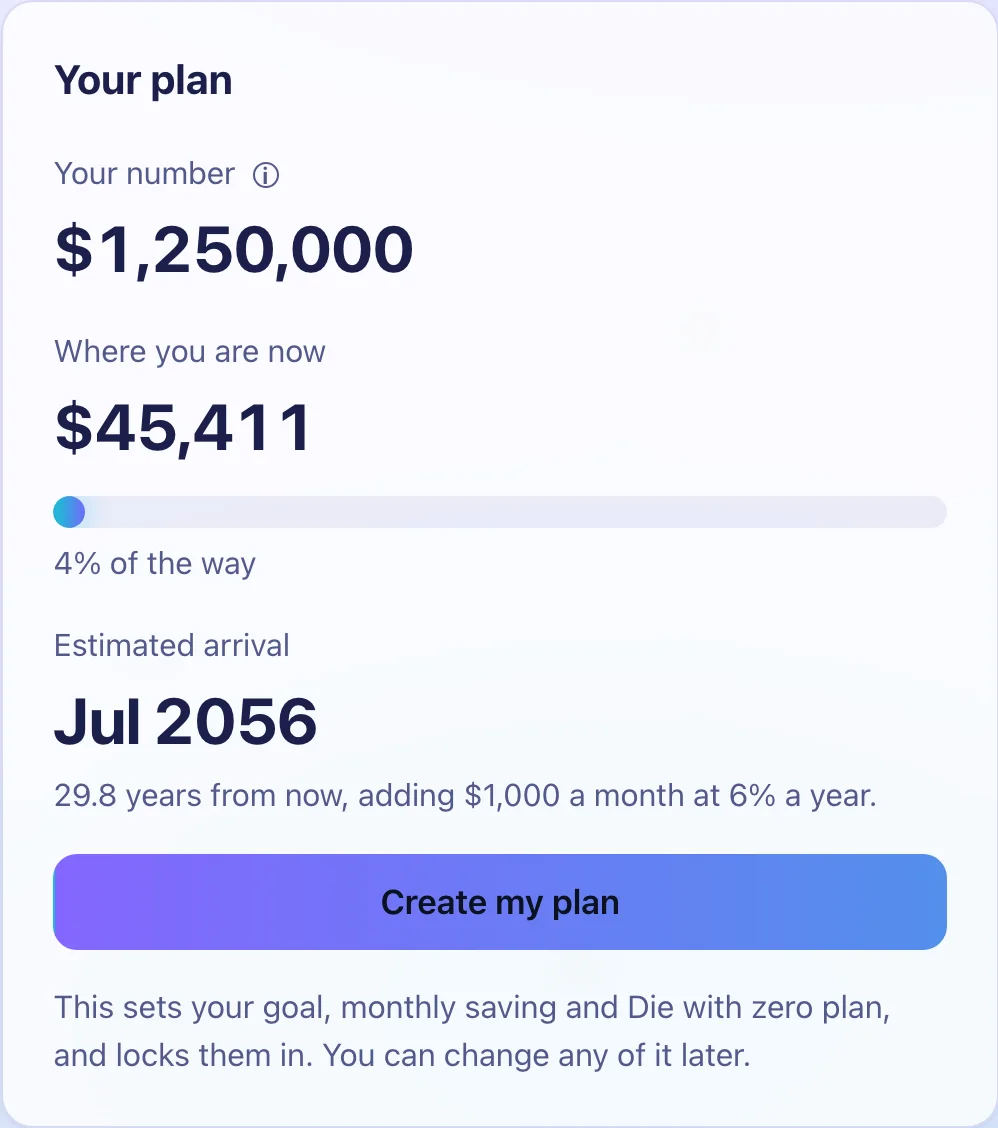
  3. The plan panel from the guided setup: a $1,250,000 number, where you are now and an estimated arrival.

    Four questions set your goal

    Age, stop age, spending and saving.
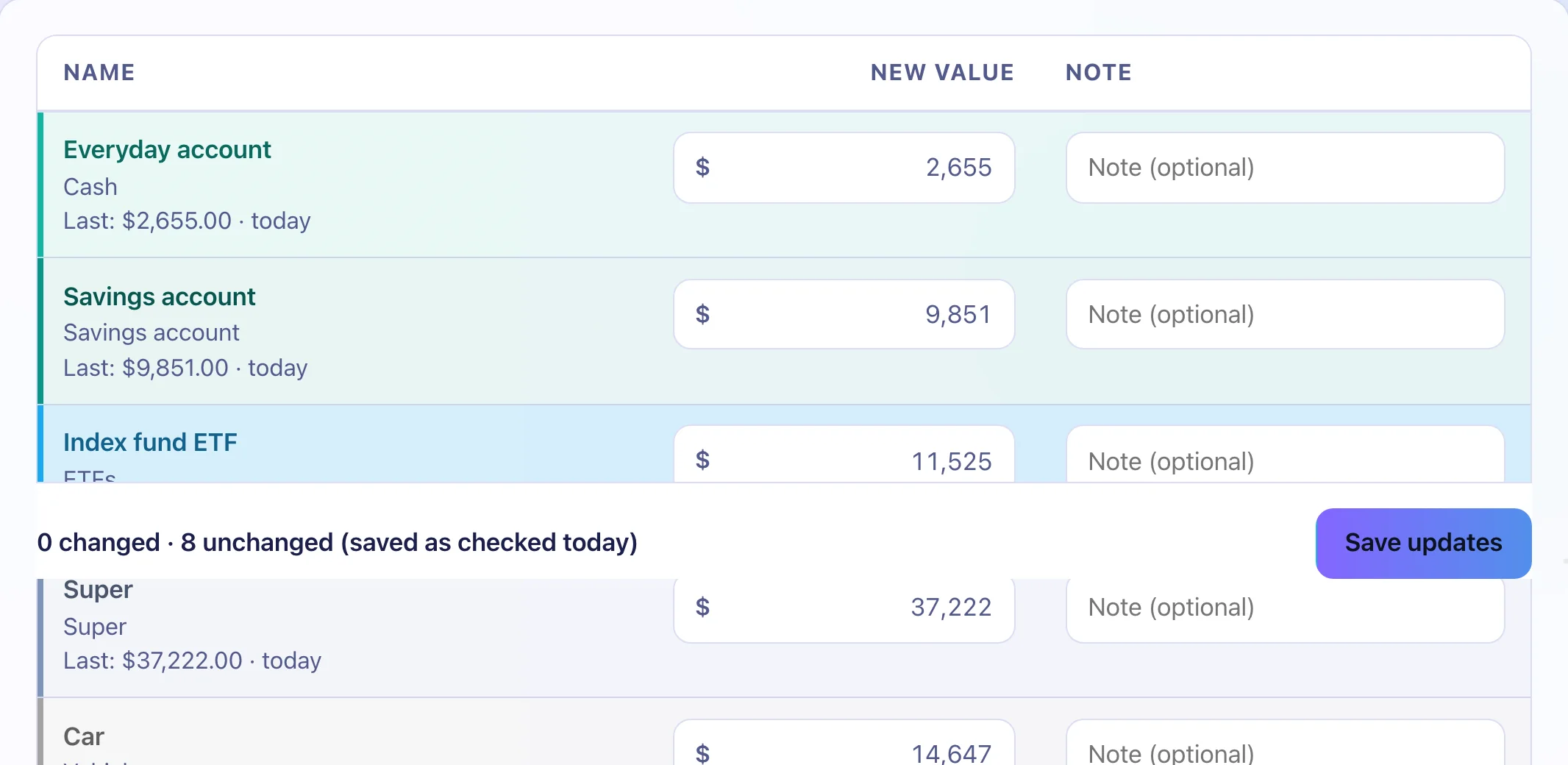
  4. The Update values table with every investment prefilled.

    A check-in each month

    Each box starts with last month’s value.

Your first forecast.

Three dates and a chart, with milestones every 5%.

The Path to your goal chart on the forecast page: history and three dashed future lines towards a goal line.

31 money words explained.

Tap any ⓘ to read one.

The Insight card on the Investments page, describing the numbers in plain English.

FAQ

Questions about setting up

How long does set-up take?

The guided setup is four questions. Adding investments takes as long as your list.

Do I need exact values?

Rough numbers are fine. Record better ones later.

Can I skip the guided setup?

Yes. Press “Skip, I’ll do it myself” and set your goal on the Escape velocity page.

Sign up with your email address.

The guided setup asks four questions.

The Escape Velocity dashboard on a phone.