Appearance

Your dashboard, in 13 themes.

Pick the one you like, then one of six accent colours.

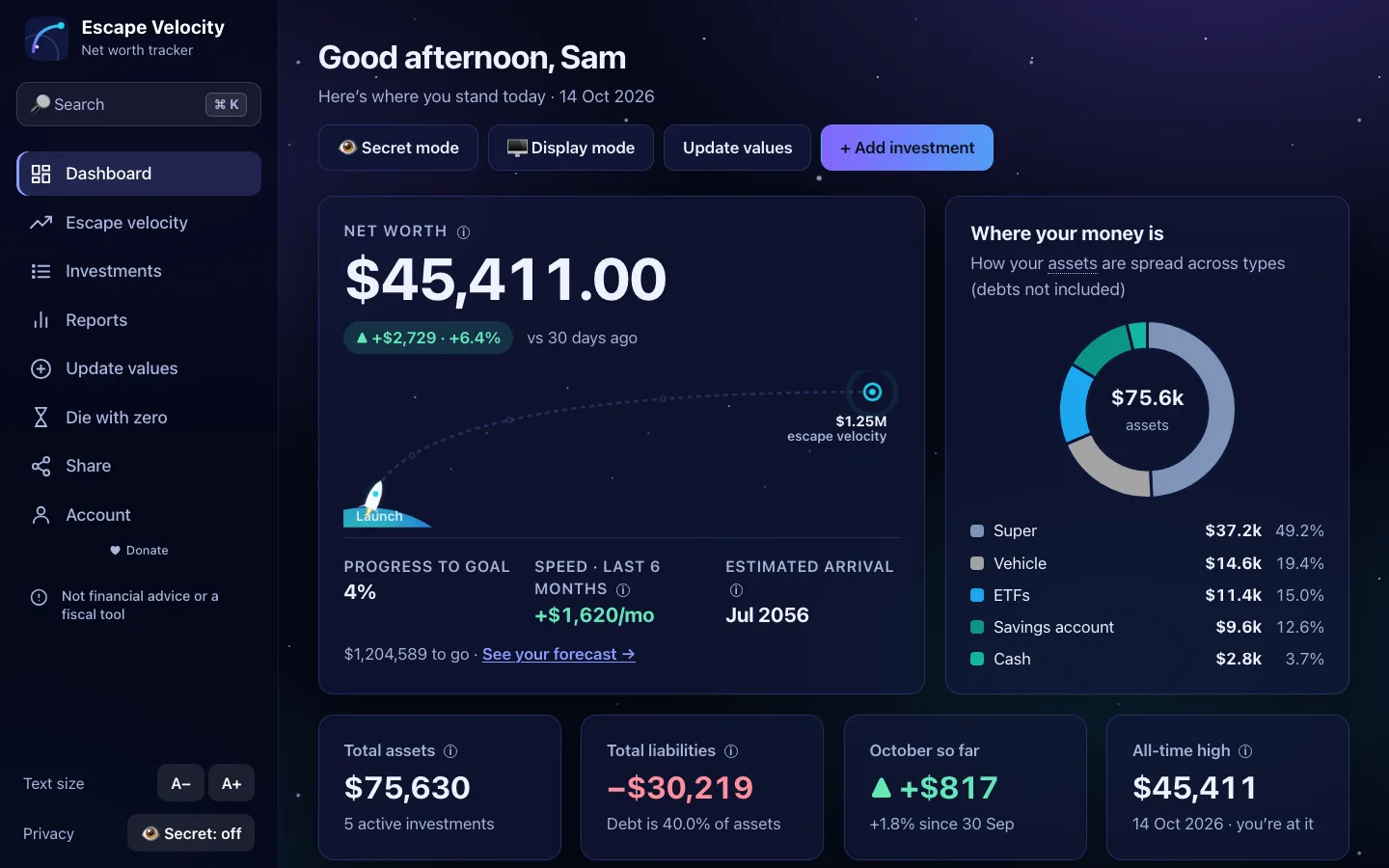
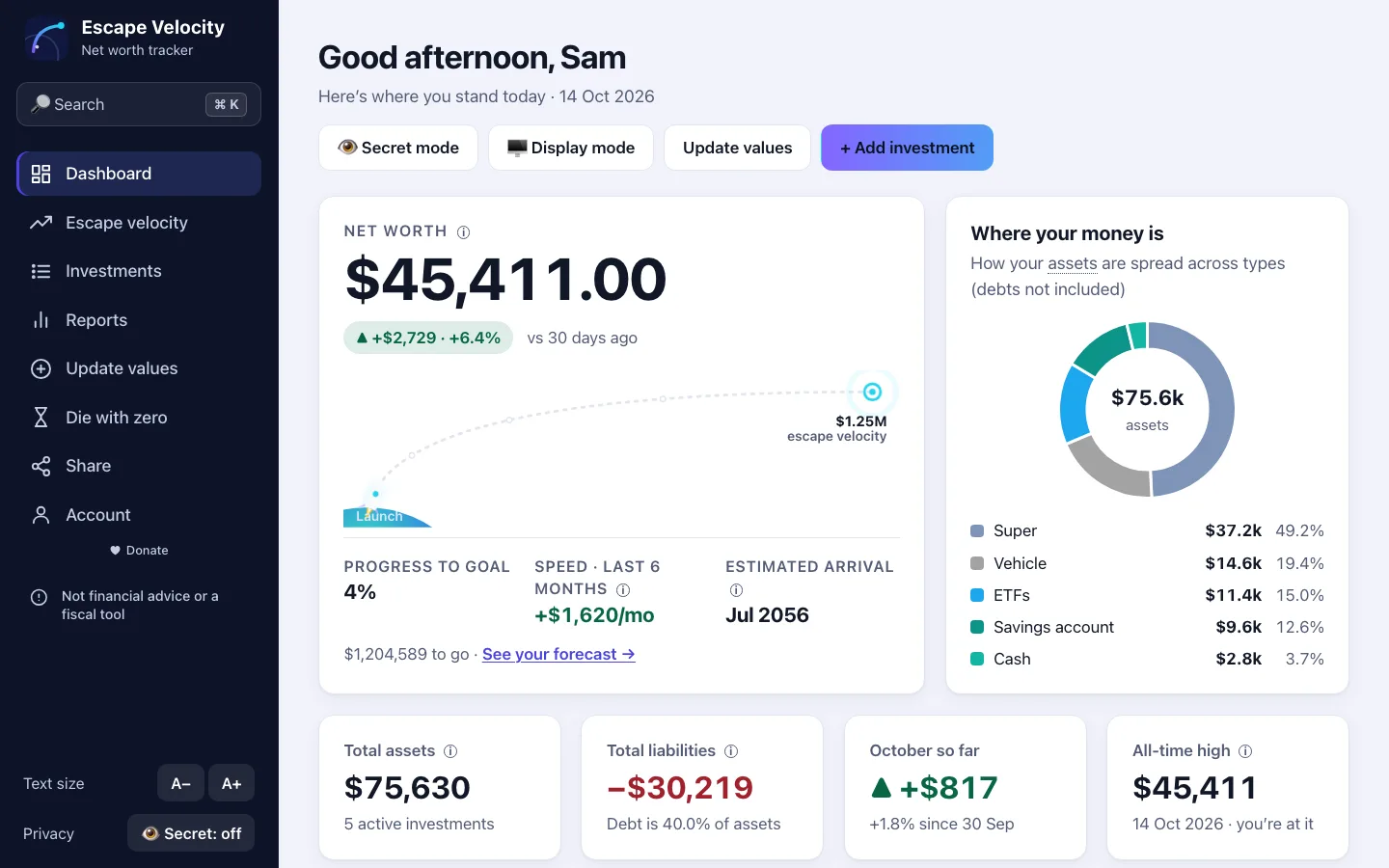
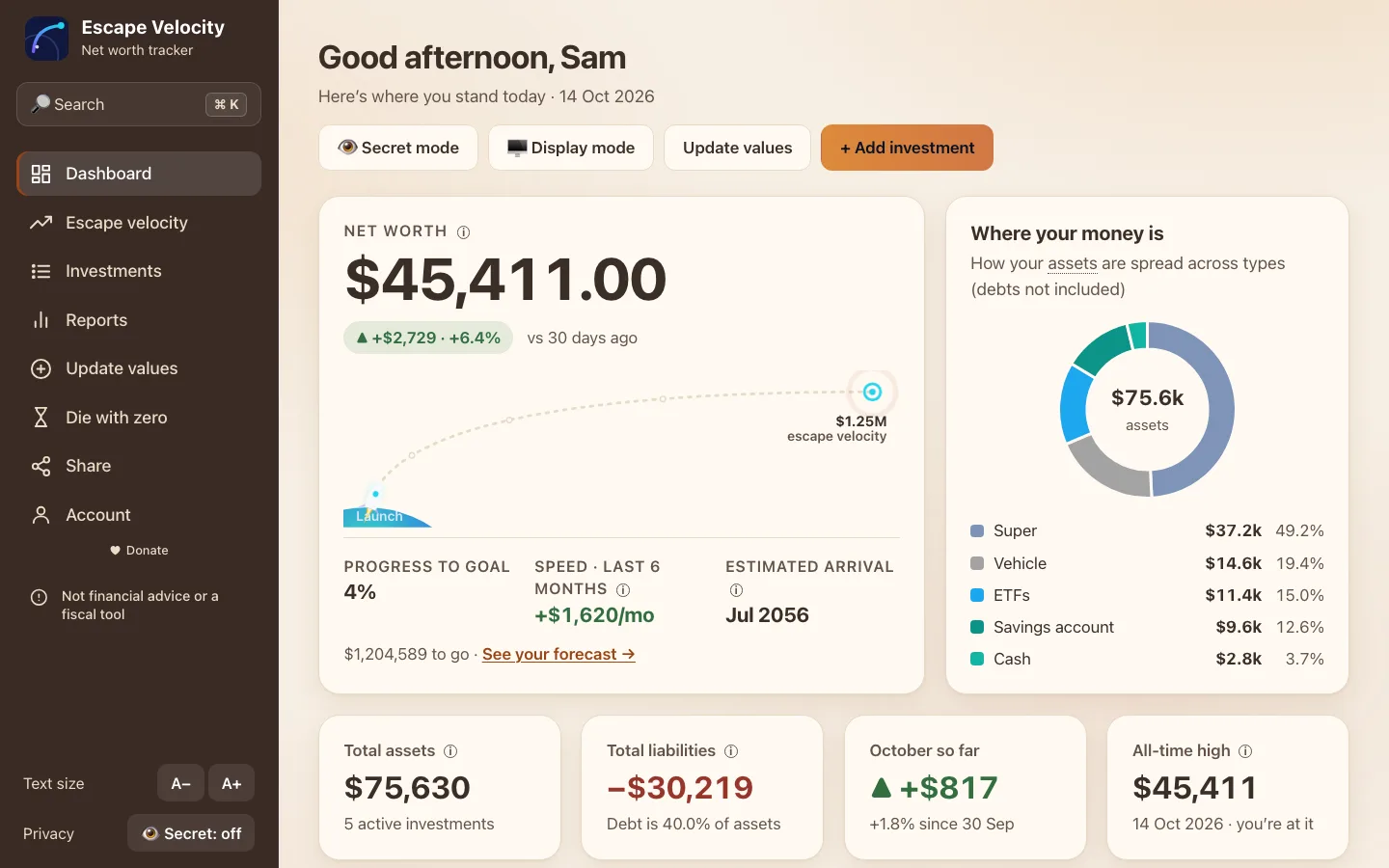
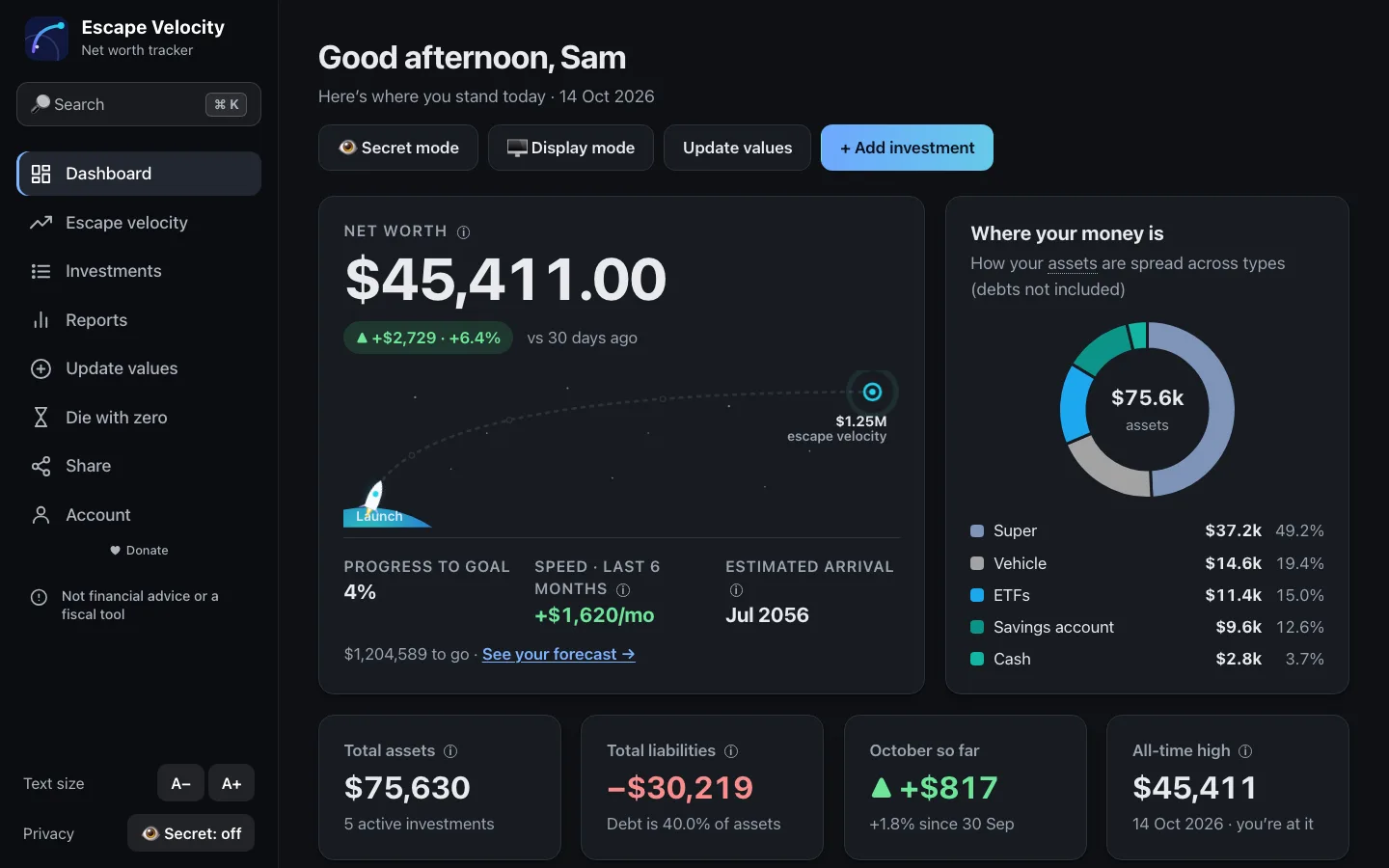
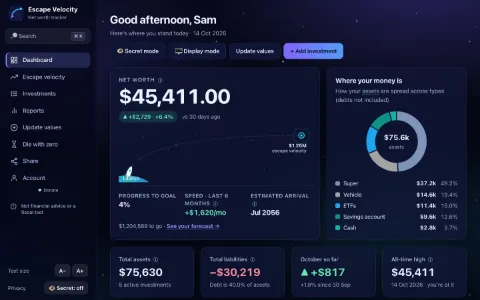
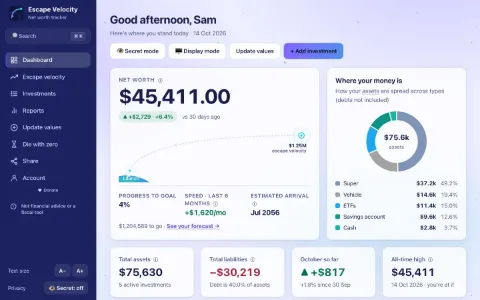
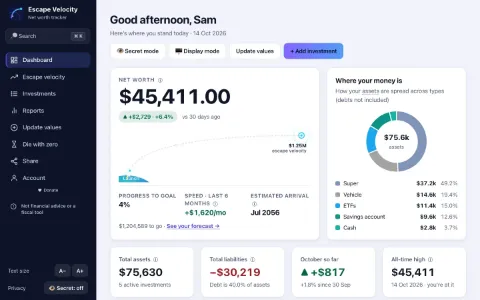
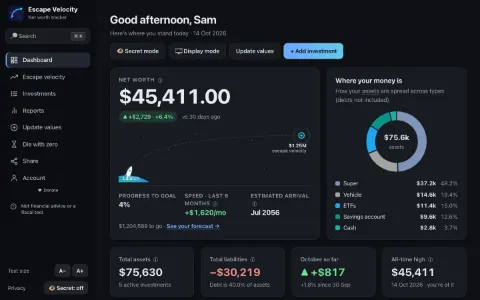
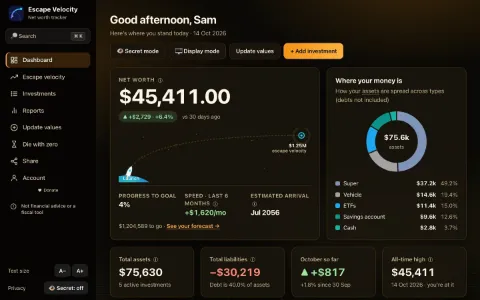
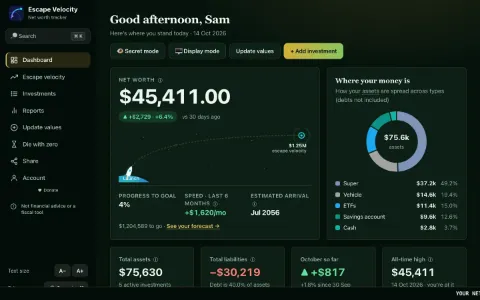
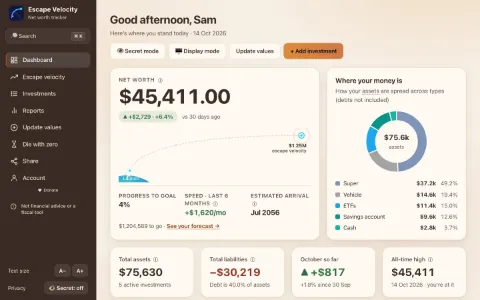
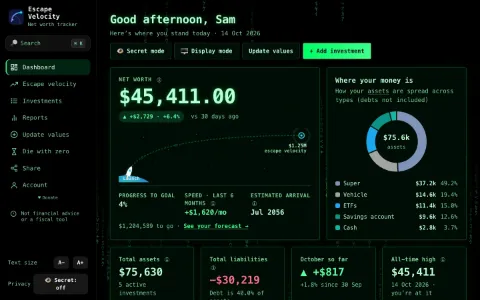
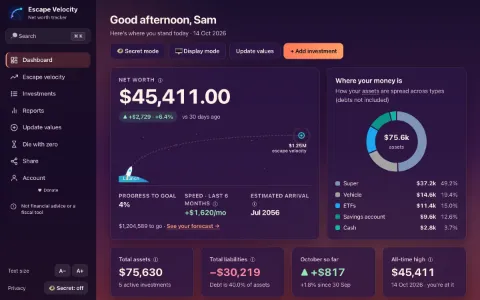
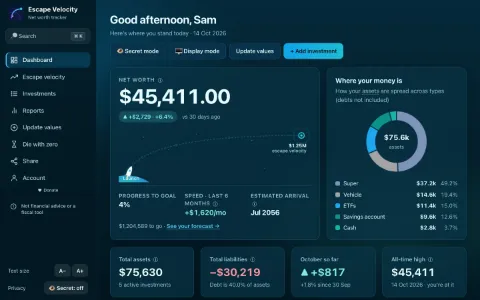
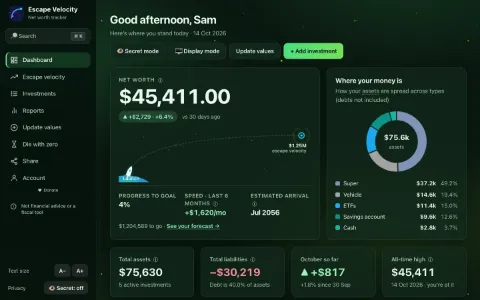
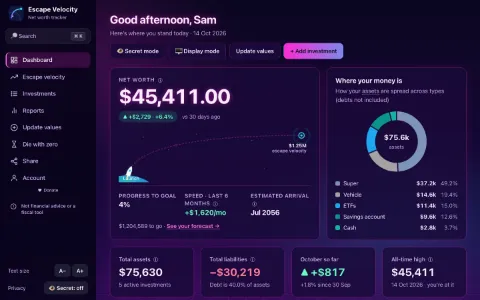
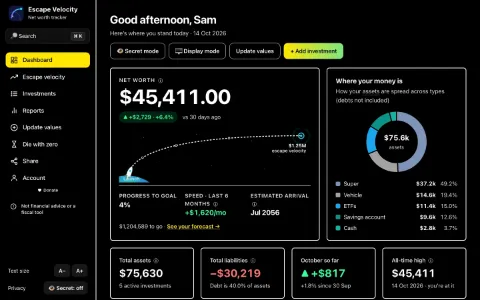
The dashboard in the Space theme.The dashboard in the Daylight theme.The dashboard in the Cosy theme.The dashboard in the Dark theme.

Privacy

Secret mode hides every amount.

Dollar amounts turn into stars and percentages stay. Handy when someone can see your screen.

  • Amounts become ******
  • Share cards hide amounts by default
The dashboard with every dollar amount replaced by asterisks and the percentages still showing.

Phone

On a phone, the main pages sit in a bar at the bottom.

Everything else opens from More.

The dashboard on a phone with a tab bar at the bottom.
The More sheet on a phone.

Text size

Make the text bigger or smaller.

You can also turn off single-key shortcuts.

  • Charts resize too
  • Secret mode hides amounts
The Appearance card with the grid of themes.

All 13 themes.

  • The dashboard in the Space theme.
    Space
  • The dashboard in the Light Space theme.
    Light Space
  • The dashboard in the Daylight theme.
    Daylight
  • The dashboard in the Dark theme.
    Dark
  • The dashboard in the BTC Gold theme.
    BTC Gold
  • The dashboard in the Wall Street theme.
    Wall Street
  • The dashboard in the Cosy theme.
    Cosy
  • The dashboard in the Locked In theme.
    Locked In
  • The dashboard in the Sunset theme.
    Sunset
  • The dashboard in the Ocean theme.
    Ocean
  • The dashboard in the Forest theme.
    Forest
  • The dashboard in the Neon Night theme.
    Neon Night
  • The dashboard in the High Contrast theme.
    High Contrast

All in Settings.

Appearance

Choose a theme and a text size. Change the accent colour too.

The Appearance settings with the theme picker.

On a phone

The same choices on a smaller screen.

The Appearance settings on a phone.

Pick your theme in Settings.