
Monthly check-in
Update your values each month.
Every box starts with last month’s value. Retype what changed and save.

How a check-in goes.
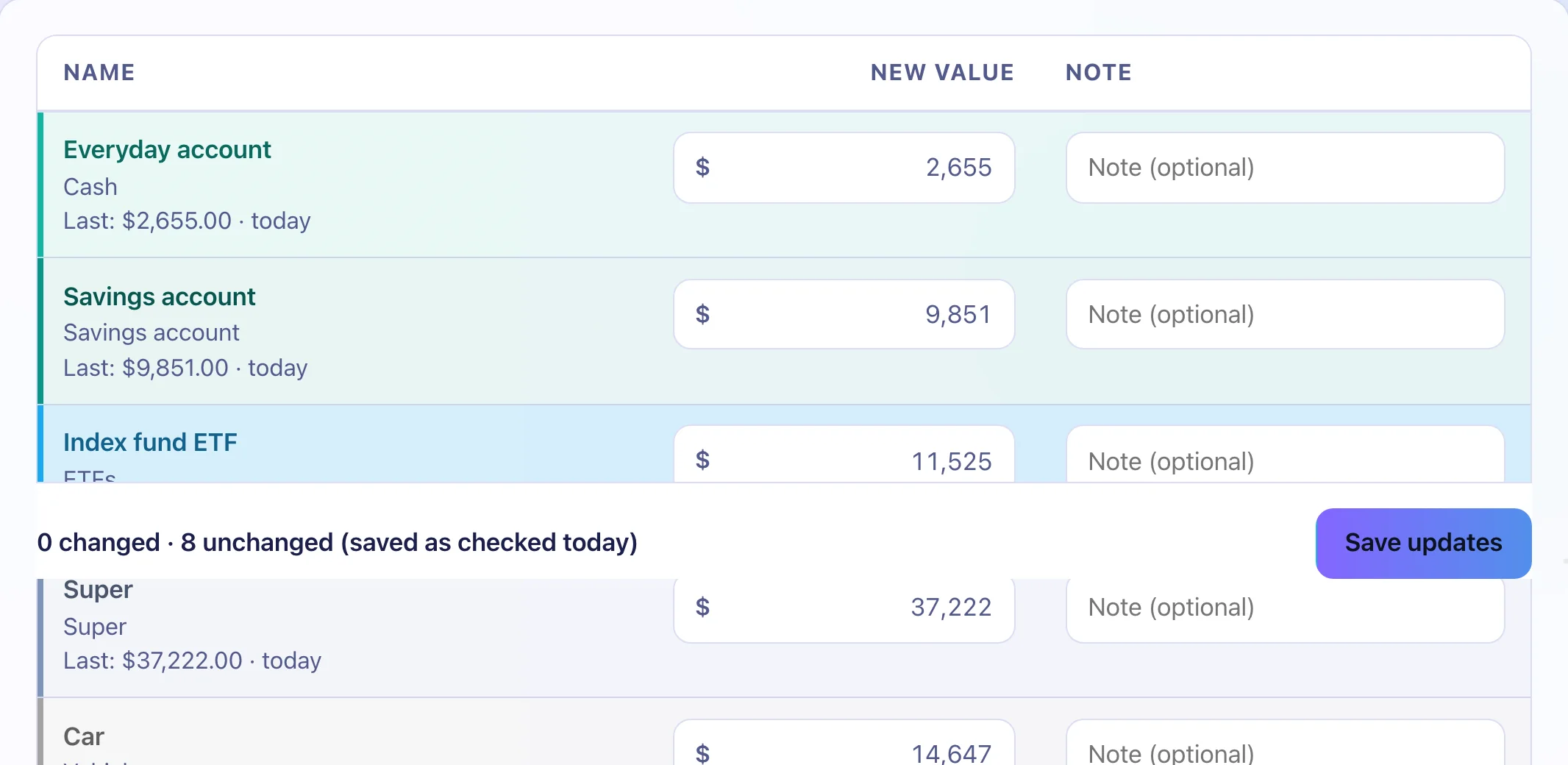
Open Update values
Each investment shows its last value.
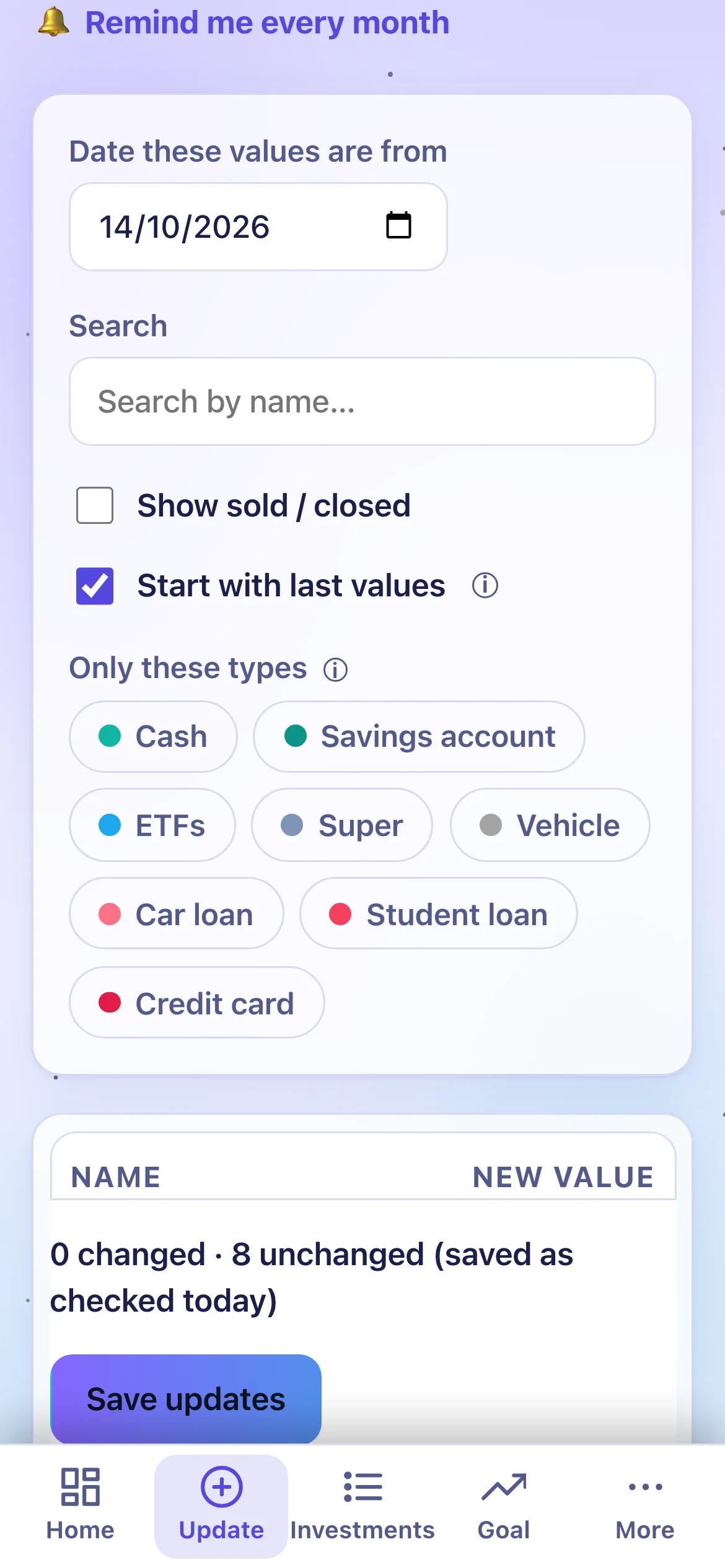
Values that changed are retyped
Enter debts as positive numbers.

Saving shows a message with Undo
It confirms what saved.


A reminder on your day.
Every week or every month. Pick your day.
- Repeats weekly or monthly
- Google, Apple and Outlook calendars
- Or a reminder email, from your account
- A dot shows when you’re due

The reminder stores your address and your day. Milestone emails and a monthly update have their own switches in Settings.
A streak of check-ins.
Months in a row with a value saved. There’s a share card for it.
What do I do each month?
Open Update values. Each box starts with last month’s value. Change what moved and save.
What if I miss a month?
Values over 30 days old are flagged. Everything else keeps working.
Can I enter values for a past date?
Yes, up to today.
Add your numbers once.
After that, update the values that changed each month.
